Using the Land Mapper in Full-screen Mode
By default, when you open the Land Mapper in your web browser, the Mapper will be displayed along with all the menus, toolbars, icons, and other interface elements of the web browser. If you prefer to see just the Mapper and its tools, you can switch your web browser to full-screen mode. This will hide the browser's interface elements, leaving only the Land Mapper on-screen.
To Switch to Full-screen Mode
1) Open the Land Mapper in your web browser, then press the F11 key on your keyboard.
2) To switch back to the default mode, press F11 again.
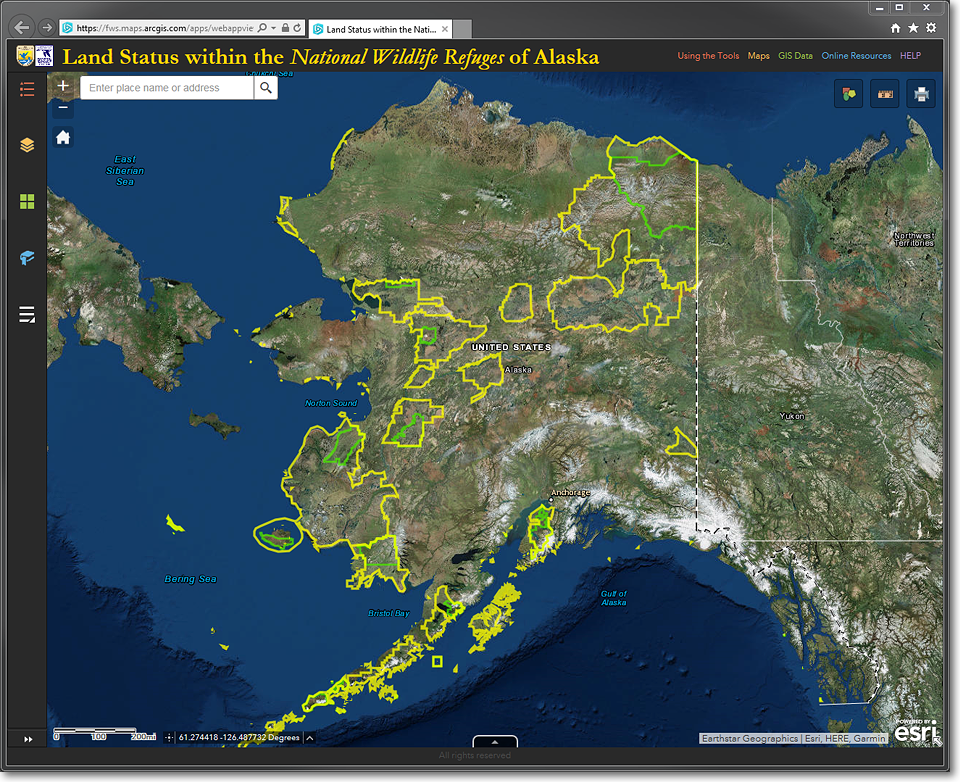
The Land Mapper as it appears in your web browser's default display mode. Note that the browser's
menu, icons, toolbars, and other interface elements are shown.
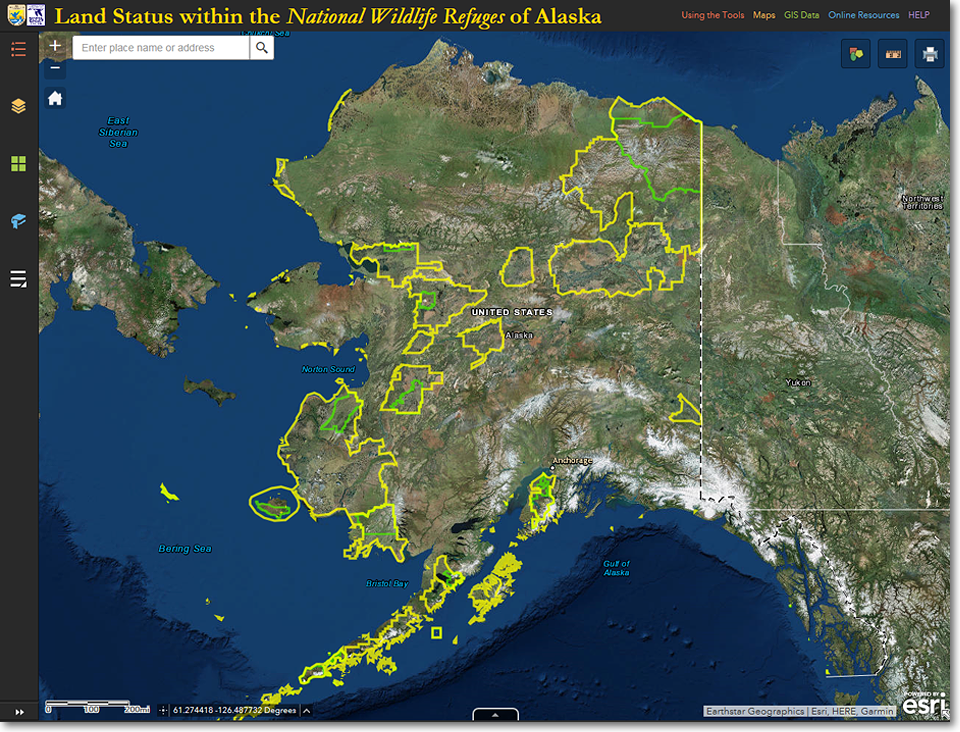
The Land Mapper as it appears in your web browser's full-screen display mode. The web browser's
interface is removed from the screen, leaving only the Land Mapper.
The Region 7 Land Mapper was developed, and is maintained by, the U.S. Fish & Wildlife Service, Region 7, Division of Realty. Questions, comments,and suggestions should be directed to [email protected]
This page was last updated: Thursday, March 13, 2025