|
|
Legend |

The Legend tool displays the legends for the various data layers in the Land Mapper.
To View the Legends
1) Click the Legend icon in the upper-left corner of the Mapper. The following will be displayed:
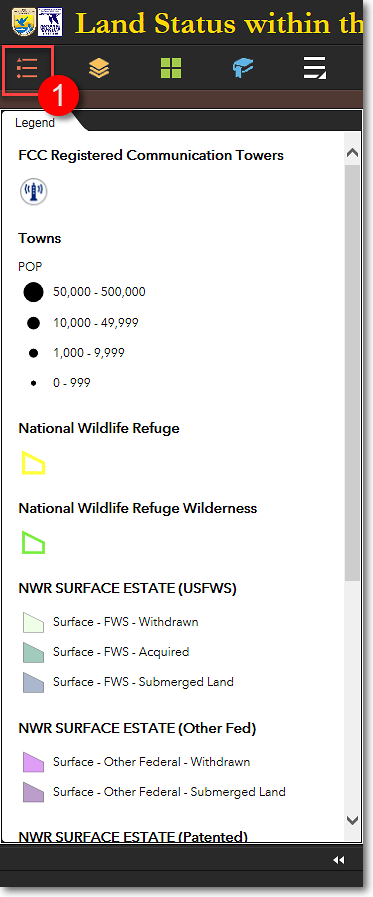
An example of the Legend window, showing data layers that are turned on
2) The Legend is dynamic, meaning that it shows the legends for only those data layers that are currently turned on in the Layers panel.
The Region 7 Land Mapper was developed, and is maintained by, the U.S. Fish & Wildlife Service, Region 7, Division of Realty. Questions, comments,and suggestions should be directed to [email protected]
This page was last updated: Thursday, March 13, 2025