Visibility of Map Layers is Scale-Dependent
The Land Mapper utilizes scale-dependent drawing to display the various map layers. This means that the map layers automatically switch from invisible to visible based on the scale of the current map view. For example, when zoomed out to the extent of the State of Alaska, only a few layers are shown. As you continue to zoom in, more and more layers become visible - keep this in mind when using the Mapper. If you cannot see some layers in the current map view, and you know you've seen them before, it is due to the scale-dependent drawing. Just zoom in and you'll be able to see all the layers.
When viewing the Layers panel, those layers which are not active due to the currently-viewed map scale, will have names that are greyed-out. This is an easy way to tell which layers have scale-dependent drawing turned on. As you zoom in on the map, the greyed-out names will be shown in black text when you reach the appropriate zoom level.
Below are a few examples showing the results of scale-dependent drawing.
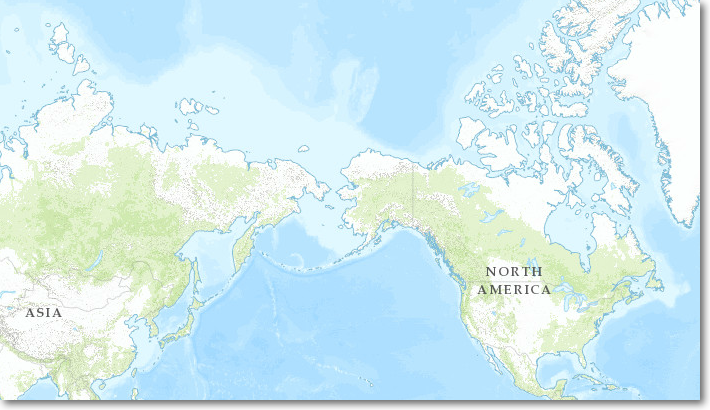
1 to 148,000,000
Only the basemap is drawn
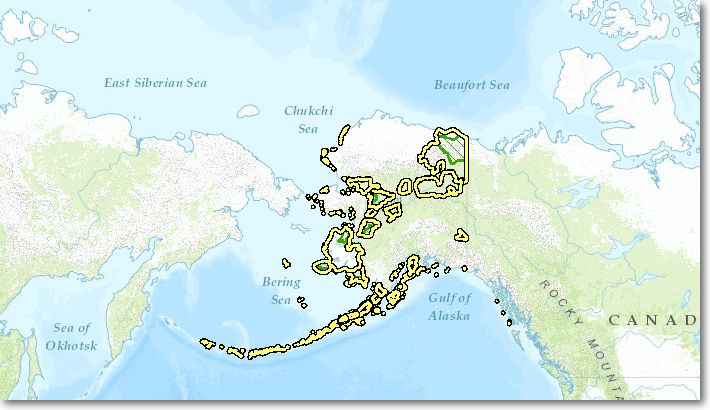
1 to 74,000,000
The refuge boundaries are now visible
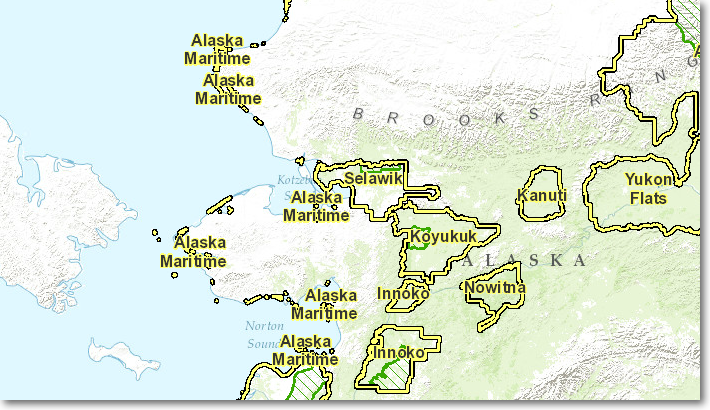
1 to 9,000,000
The refuge names are now shown
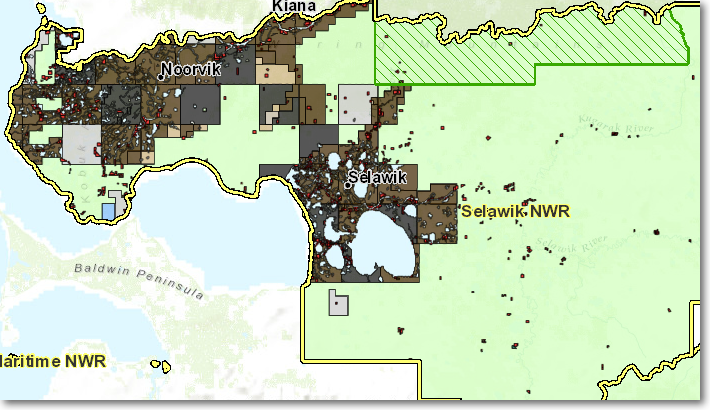
1 to 4,600,000
Now the land status and towns are visible
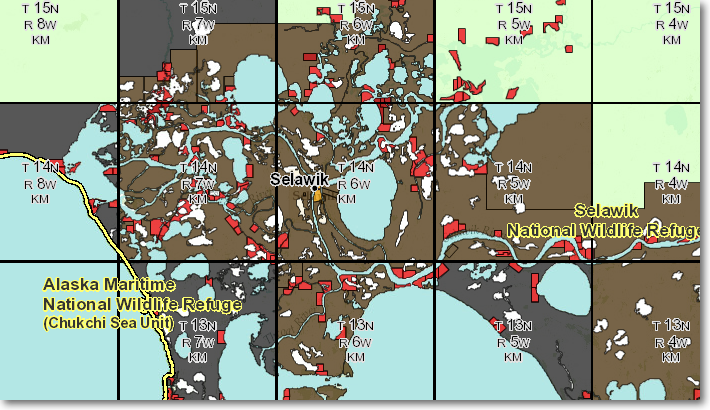
1 to 600,000
Townships are added to the map display
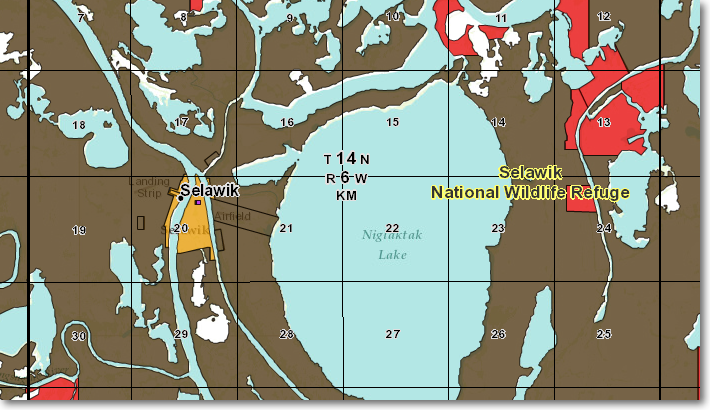
1 to 145,000
Sections and section numbers are shown. All layers are now visible in the map as you pan around
The Region 7 Land Mapper was developed, and is maintained by, the U.S. Fish & Wildlife Service, Region 7, Division of Realty. Questions, comments,and suggestions should be directed to [email protected]
This page was last updated: Thursday, March 13, 2025